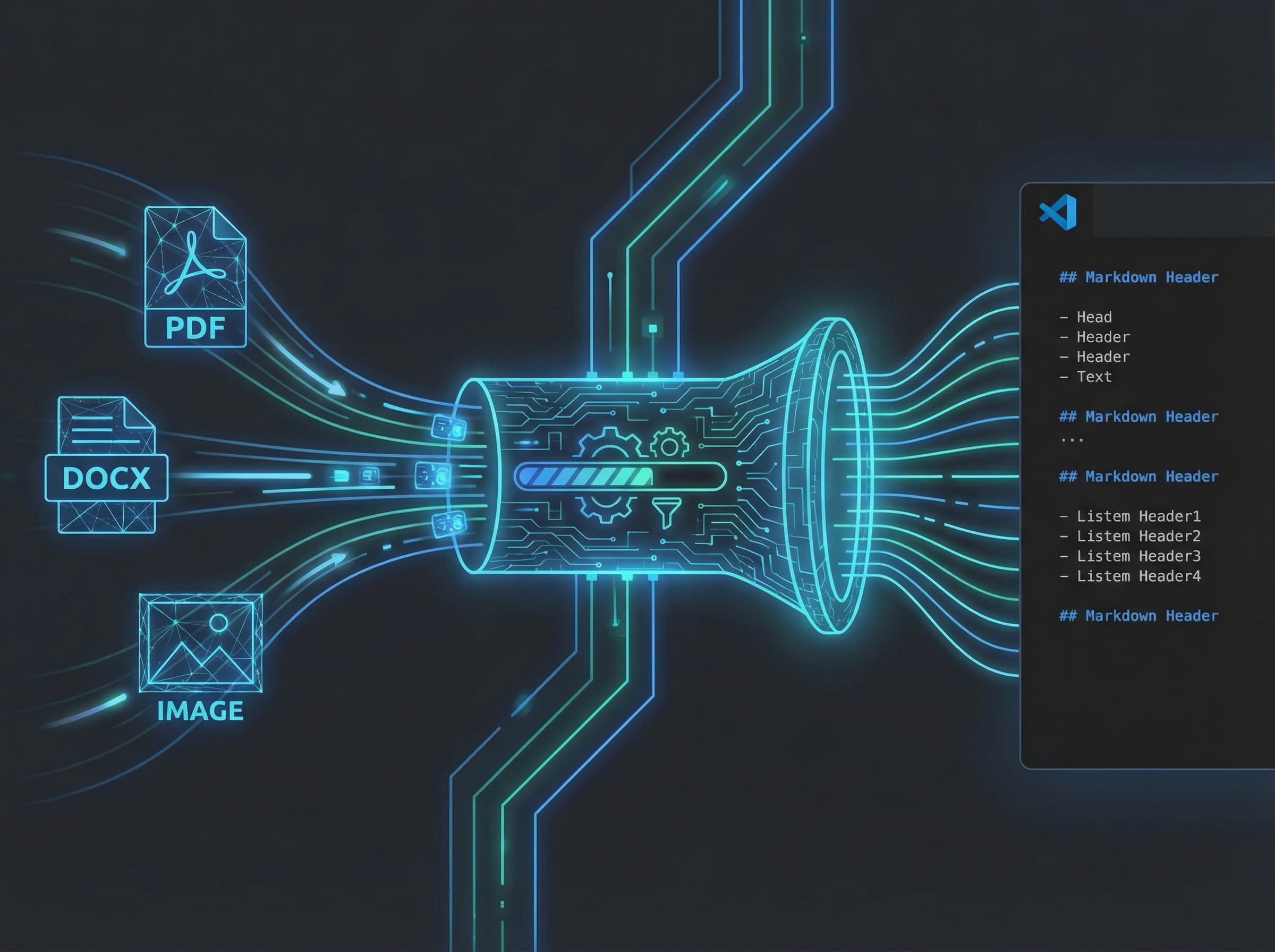
What it is
MarkItDown removes friction from documentation workflows: convert any file to Markdown without leaving VS Code.
The Problem
Developers constantly need to reference content from PDFs, Word docs, spreadsheets, and presentations. Converting these to Markdown for inclusion in documentation, READMEs, or knowledge bases requires switching to external tools.
The Solution
Right-click any file in VS Code, select 'Convert to Markdown.' Done.
Supported Formats
- Documents: PDF, DOCX
- Presentations: PPTX
- Spreadsheets: XLSX
- Web: HTML, CSV, JSON, XML
- Images: PNG, JPG (OCR via tesseract)
- Audio: MP3, WAV (transcription)
- Archives: ZIP (recursive conversion)
Technical Architecture
Lightweight TypeScript extension that orchestrates a sandboxed Python subprocess. On first run, it auto-creates a virtual environment and installs the markitdown library: zero manual setup.
Smart Output Handling
- Same-directory output with .md extension
- Collision detection with numbered variants
- Optional auto-open of generated file
- Progress notifications for long conversions
Configuration
- `markitdown.openFileOnSuccess`: auto-open generated file
- `markitdown.overwriteExisting`: skip overwrite prompts
Why It Works
The extension solves a real, daily friction point. Every developer has been annoyed by needing to convert a PDF to text. MarkItDown makes it one click, right where you're already working.
Distribution
Published on VS Code Marketplace (bioinfo.markitdown-vscode). MIT licensed. The VS Code Marketplace provides massive distribution: millions of potential users without any marketing effort.
Connected work