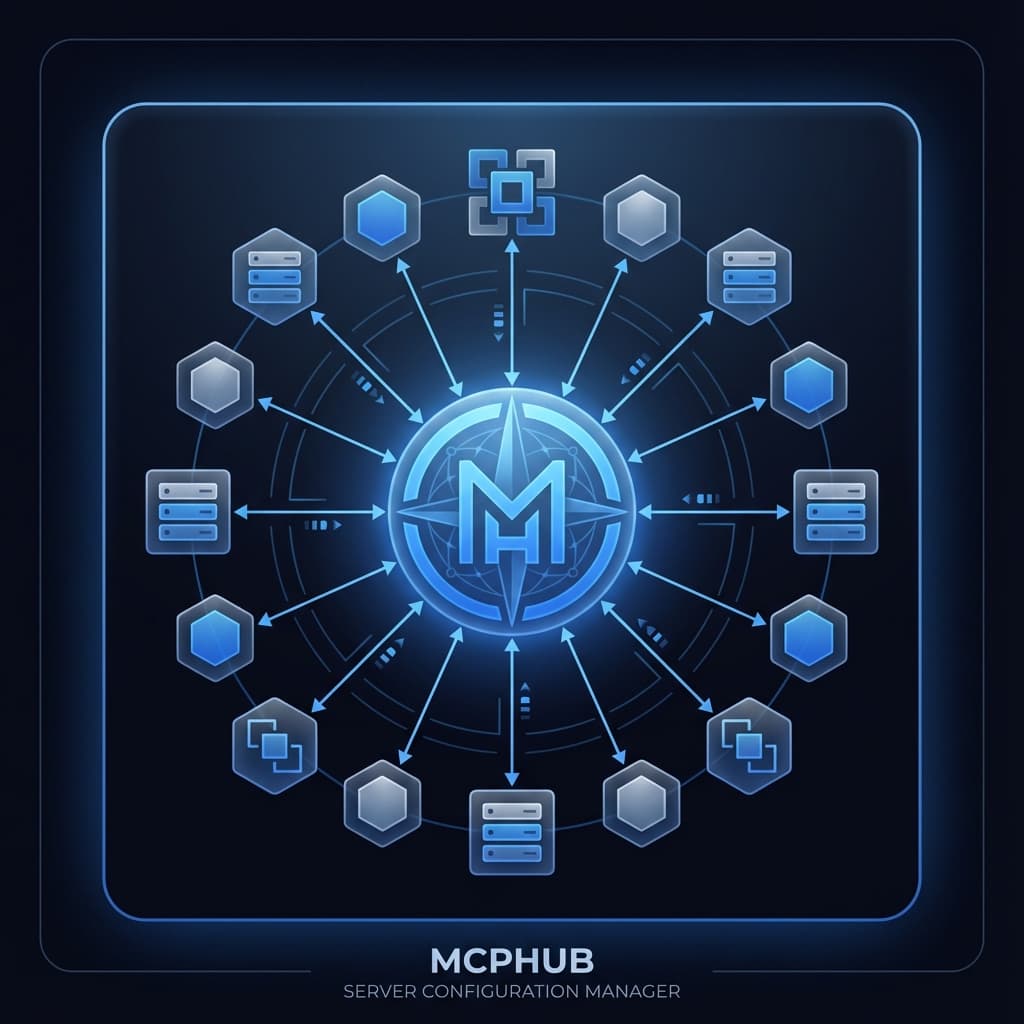
What it is
MCPHub solves a daily friction point: managing MCP server configurations across multiple AI tools. What started as personal annoyance became a polished native app in 15 minutes: a testament to AI-assisted development velocity.
The Problem
MCP servers need to be configured in multiple places:
- `~/.claude/.mcp.json` (Claude Code)
- `~/Library/Application Support/Claude/claude_desktop_config.json` (Claude Desktop)
- Roo Code, Windsurf, Cursor each have their own config files
Keeping these in sync manually is tedious and error-prone. Add a new server? Edit 5 files. Disable one temporarily? Edit 5 files. Typo in the path? Debug across 5 files.
The Solution
MCPHub provides a unified interface:
- Single View: See all servers across all tools
- Per-Tool Toggles: Enable/disable servers individually per tool
- Health Monitoring: Test if servers can actually start
- Sync: Copy configuration from one tool to all others
- Auto-Backup: Timestamped backups before any changes
Technical Stack
Built with Tauri 2.x (Rust backend + React frontend):
- Zero network requests: fully offline operation
- No telemetry: complete privacy
- Native performance: instant startup
- Cross-tool compatibility: handles all config formats
The 15-Minute Build
This project exemplifies the 1:N multiplier effect. A native macOS app with Rust backend, React frontend, proper error handling, and comprehensive features: built in 15 minutes with Claude Code.
Why It Matters
Developer tools should remove friction, not add it. MCPHub turns a 5-minute manual process into a 5-second toggle. Multiply by daily use, and the time savings compound significantly.
Connected work