macOS Automation Framework
LaunchAgents + Karabiner + Raycast = continuous knowledge capture
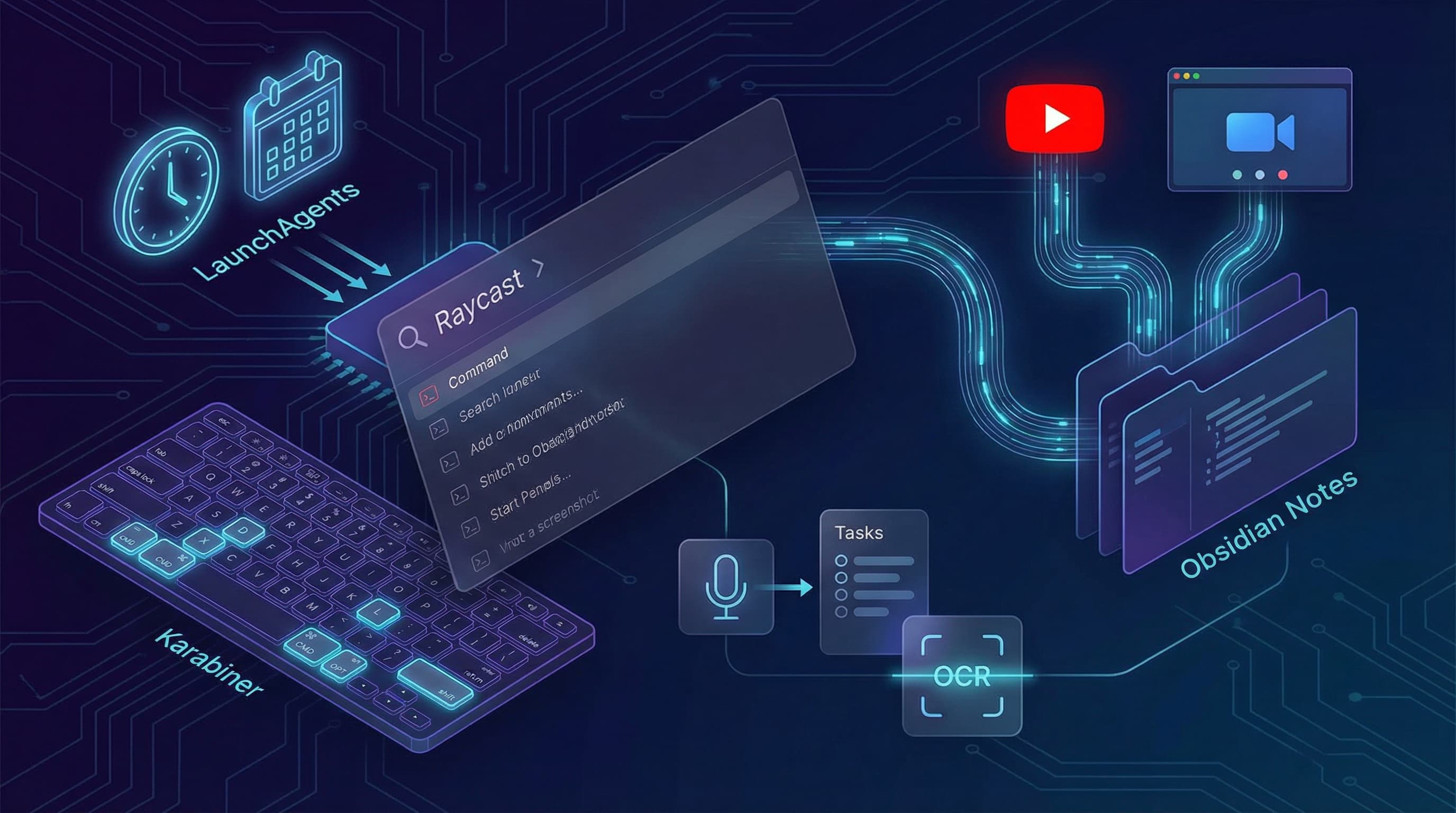
What it is
The macOS Automation Framework turns ambient information into structured knowledge automatically. LaunchAgents run hourly, Karabiner hotkeys provide instant AI access, and Raycast scripts bridge manual triggers with automated workflows.
The Six Systems
1. YouTube Pipeline
- Downloads transcript via yt-dlp
- Sends to OpenRouter/Gemini with `extract_wisdom` pattern
- Creates structured note: SUMMARY, IDEAS (20-50), INSIGHTS (10-20), QUOTES (15-30)
2. Meeting Notes Processor
- Polls MacWhisper SQLite for new transcriptions
- Applies dictionary corrections (161 technical terms, names)
- Analyzes with GLM-4.7 at $0.009/meeting
- Creates structured note: Executive Summary, Sentiment, Key Points, Decisions, Action Items
- Cost: $2.70/month @ 10 meetings/day
- Quality: Executive briefing-level strategic analysis
3. Meeting Autobrief
- Pre-meeting: Searches vault for related notes, looks up attendees in Contacts
- Post-meeting: Parses meeting note, extracts action items, drafts follow-up email
- Runs every 15 minutes automatically
4. Screenshot OCR
- CleanShot → tesseract → Obsidian
- Makes screenshots searchable
- Triggered via Raycast or CLI
5. Voice Memo to Tasks
- Transcribes via mlx-whisper (local, M4 optimized)
- Sends to OpenRouter/Gemini for task extraction
- Creates Apple Reminders via AppleScript
- Saves structured note to Obsidian
6. Karabiner Hotkeys
| Combo | Action | Output |
|---|---|---|
| Hyper+S | Summarize selection | Clipboard + notification |
| Hyper+R | Research with Perplexity | Clipboard + notification |
| Hyper+T | Translate to English | Clipboard + notification |
| Hyper+E | Draft email reply | Clipboard + notification |
| Hyper+X | Explain code | Clipboard + notification |
| Hyper+F | Fix grammar | Replaces selection |
(Hyper = Caps Lock held)
Directory Structure
``` ~/automation/ ├── meeting-notes/ ├── youtube-knowledge/ ├── screenshot-ocr/ ├── voice-memo-tasks/ ├── meeting-autobrief/ ├── scripts/ ├── launchagents/ └── logs/ (7-day retention)
~/scripts/ ├── ai-hotkeys/ (Karabiner) └── raycast/ ```
The Multiplier Effect
Without automation:
- Meeting notes in MacWhisper, never reviewed
- YouTube videos watched, insights lost
- Screenshots taken, never searchable
- Voice memos recorded, never actioned
With automation:
- Meeting insights in searchable vault within minutes
- YouTube wisdom extracted and categorized
- Screenshot text OCR'd and stored
- Voice memos → Apple Reminders + vault notes
Time saved: 10-15 hours/week of manual knowledge work eliminated.
Documentation: 810-line README with comprehensive setup instructions.
Connected work